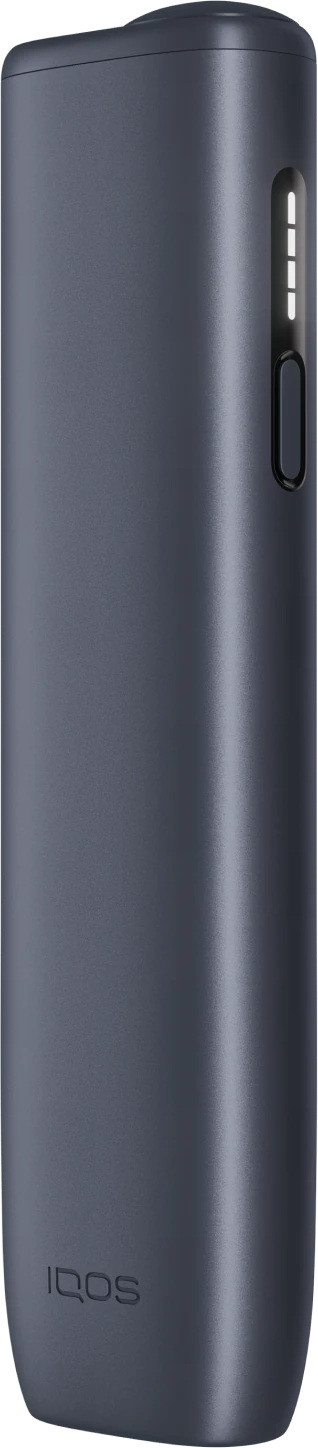
Caring for Your IQOS ILUMA i ONE: What 'No Cleaning' Really Means
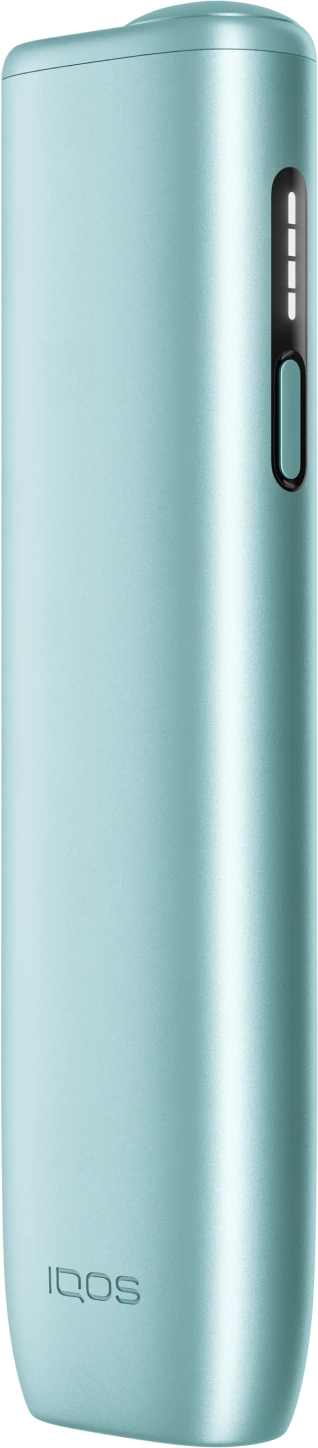
"No cleaning" is one of the best things about the ILUMA i ONE, and it's true. It is also easy to misread as "no care at all". The device has no blade and no residue to scrape out, but it is still a battery-powered gadget that lives in your pocket. A few small habits keep it working the way it did on the first day.
What "no cleaning" means, and what it doesn't
What it means: there's no heating blade inside. The SMARTCORE induction system heats a sealed metal element inside each TEREA stick, and that element leaves with the stick when you pull it out. Tobacco never touches a heating part of the device, so nothing builds up that you need to clean away. No cleaning sticks, no brushes, no routine. Our SMARTCORE guide explains why.
What it doesn't mean: that dust, water, heat or a hard floor can't harm it. Those are the things to look after.
Five daily habits
- Close the cap after every session. Slide it shut as soon as you pull the stick out. It keeps lint, dust and sand out of the opening.
- Pull the stick out straight. Don't twist or lever it against the side of the opening.
- Keep it in its own pocket. Not with keys, coins or a lighter, which scratch the finish and can get into the opening.
- Keep it out of the heat. Never leave it in a parked car, on a dashboard or in direct sun.
- Charge it somewhere cool and open. A desk or table, not under a pillow. Our charging guide covers this.
Care by risk
| Risk | What can go wrong | What to do |
|---|---|---|
| Heat | Batteries in general don't like high temperatures | Keep it out of parked cars, dashboards and direct sun |
| Water | Electronics and water don't mix | Keep it in a dry pocket; if it gets wet, switch it off and let it dry at room temperature, never with heat |
| Drops | Knocks can damage any device | Don't carry it loose in a shirt pocket when you bend over; set it down on a flat surface |
| Dust and sand | Grit in the opening or USB-C port | Keep the cap closed; look into the port and tap it out gently rather than poking |
| Pockets | Scratches, lint, pressure | Use a pocket without keys or coins; don't sit on it in a back pocket |
| Children and pets | They may play with it or chew it | Store it out of reach, as you would cigarettes and lighters |
The USB-C port
The port is the one opening besides the stick opening, and it collects pocket lint over time. If a cable stops seating firmly, look into the port with a torch. If there's lint, tap the device gently against your palm or use a soft, dry brush. Never push pins, toothpicks or anything metal into it. If the port still causes trouble, contact official IQOS support.
Wiping the outside
The finish only needs a soft, dry cloth now and then. Don't spray anything onto the device or wipe it with liquids or alcohol, and don't put it under running water.
Storing it for a while
If you won't use it for some days, store it with the cap closed, somewhere cool, dry and out of reach of children. Before you use it again, give it a full charge.
Weather in India
Indian weather is hard on gadgets in two ways. Summers bring heat, especially inside cars and on balconies. The monsoon brings damp, sudden downpours and wet pockets. In summer, keep the device in the shade and out of vehicles. In the monsoon, a zip-lock pouch in your bag is cheap insurance, and our monsoon care guide covers drying a damp device properly. For dust, the IQOS guide for Jaipur explains why the sliding cap earns its place.
When care isn't enough
Stop using the device and contact official IQOS support if it gets unusually hot, smells of burnt electronics, looks swollen or cracked, or stops working after getting wet. For everyday hiccups, like a stick that won't heat, start with our troubleshooting checklist.
Questions
Does the IQOS ILUMA i ONE need cleaning?
No. There is no heating blade and no residue build-up, so there's no cleaning routine. Keep the cap closed and the port free of lint.
How do I keep the ILUMA i ONE in good condition?
Close the cap after every session, keep it away from heat and water, carry it in its own pocket and charge it somewhere cool.
What should I do if my ILUMA i ONE gets wet?
Switch it off, wipe the outside, and let it dry completely at room temperature. Don't use heat or charge it while damp. If it doesn't work normally afterwards, contact official support.
Can I wipe the device with a wet cloth?
Use a soft, dry cloth. Avoid liquids, sprays and alcohol.